JetKVM Standard
For BIOS-level video, keyboard, and mouse access to PCs and servers.
Explore JetKVM →HARDWARE KVM · BROWSER CONTROL
Control your PC or server from your browser — even before the operating system starts.
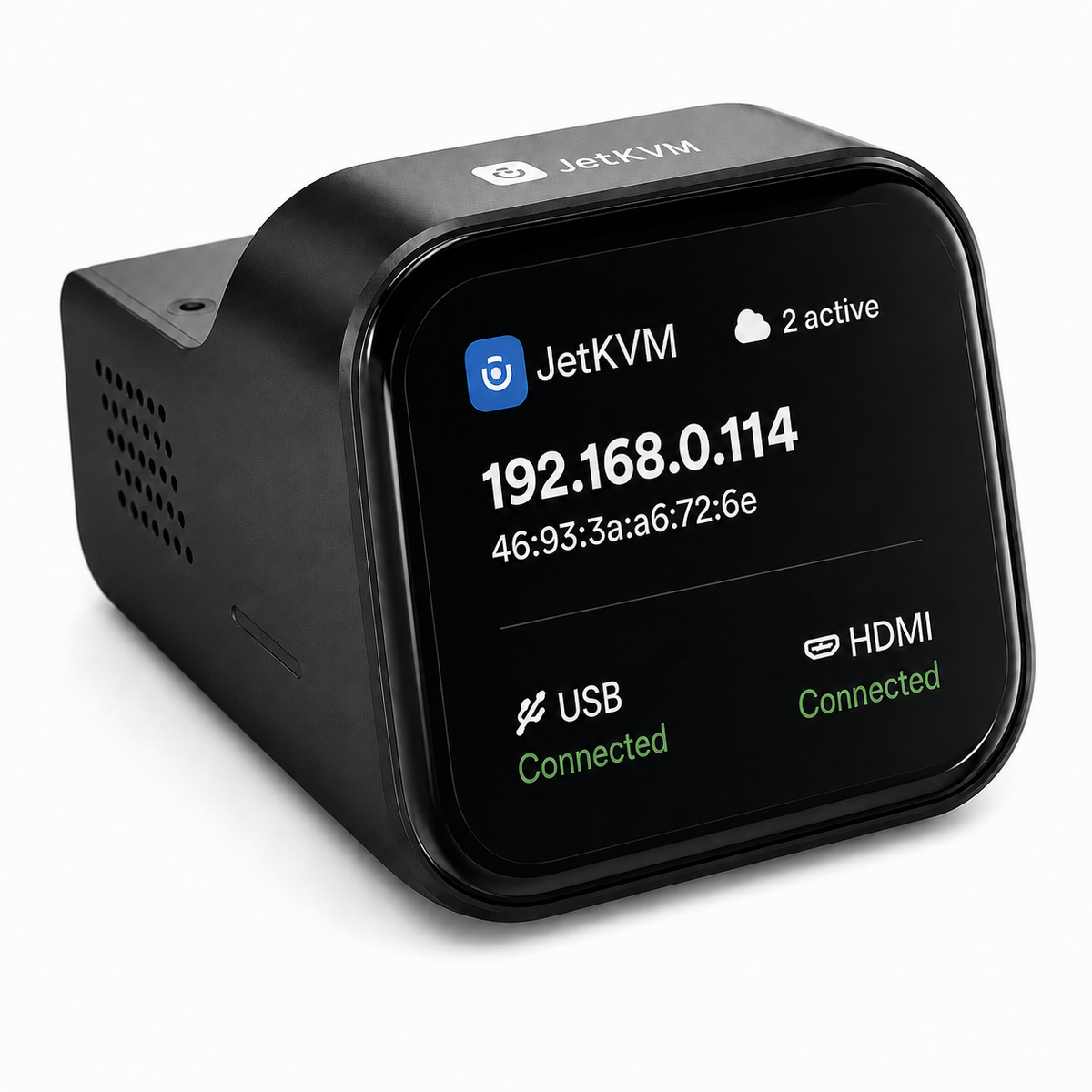
BROWSER-BASED HARDWARE ACCESS
Control PCs and servers from your browser with BIOS-level video, keyboard, mouse, and optional remote power recovery.
Explore JetKVMFIND YOUR SETUP
Start with JetKVM, then add the power-control option that matches your hardware.
For BIOS-level video, keyboard, and mouse access to PCs and servers.
Explore JetKVM →For systems with motherboard front-panel power and reset headers.
Explore the ATX setup →For compatible mini PCs, NAS systems, routers, and edge devices.
Explore the DC setup →BEYOND REMOTE DESKTOP
Software-based remote tools disappear when the operating system freezes or the machine cannot boot. JetKVM operates outside the OS, while optional ATX and DC extensions add remote power control for compatible hardware.
SIMPLE BY DESIGN
Attach JetKVM to your target device and network.
Access video, keyboard, and mouse without installing software on the target.
Add ATX or DC power control when your hardware needs remote restart capability.