




Recover DC-powered devices from anywhere
Route your device's power through the extension and connect it to JetKVM. If the system freezes or stops responding, cut power and restart it directly from your browser.
Add a reliable out-of-band recovery path to mini PCs, NAS systems, routers, and other unattended hardware.

Keep JetKVM online with a cleaner, simpler setup.
The extension supplies 5V power to JetKVM through the RJ-12 connection, eliminating the need for constant USB power from the host computer or a USB splitter.
Even when the controlled device is powered off, JetKVM can remain available so you can turn the device back on remotely.
SIMPLE SETUP
Three connections. Full remote power control.
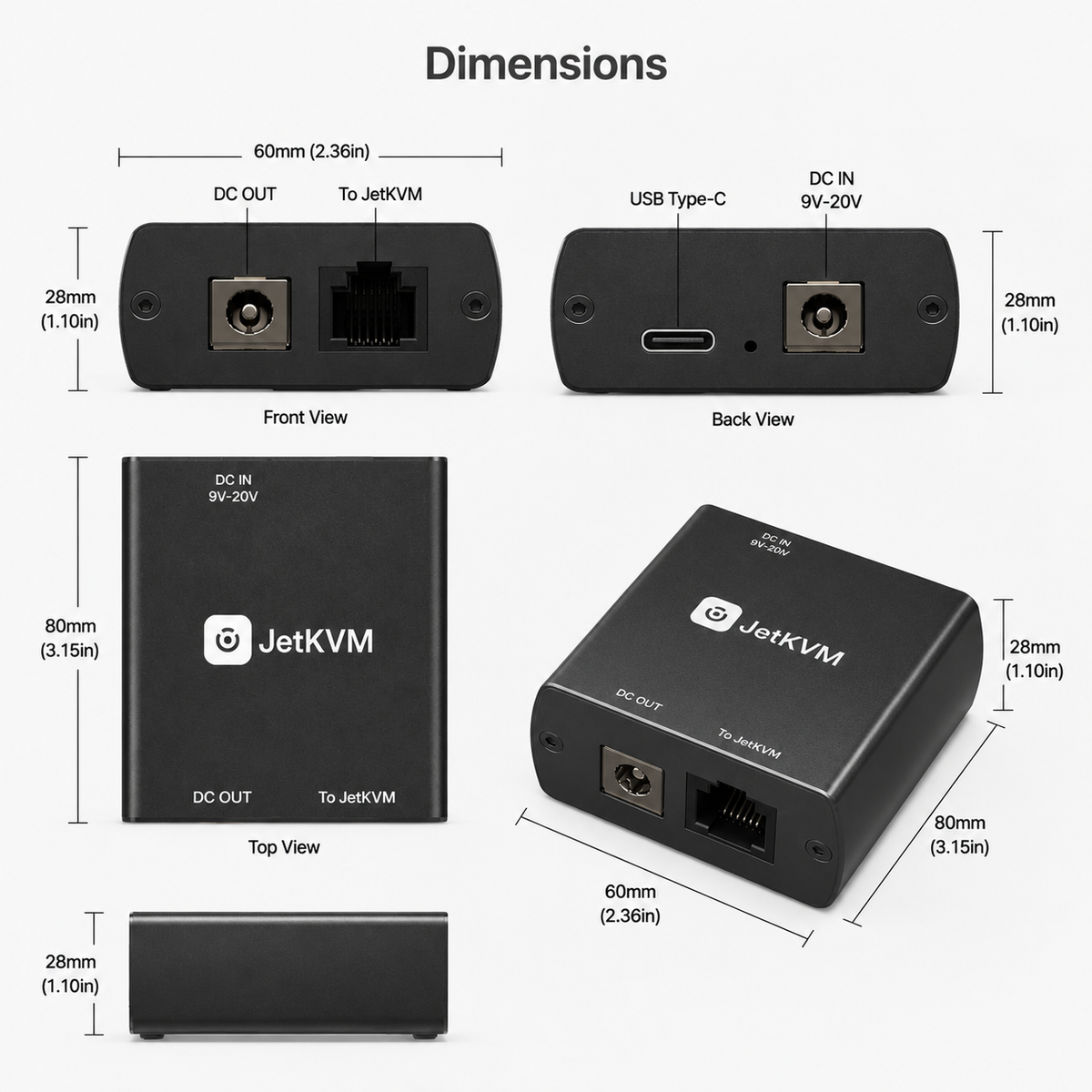
Place the extension in your device's DC power path, connect it to JetKVM, and manage power from your browser.
Before connecting: Confirm your device uses 9–20V DC, draws no more than 5A, and has center-positive polarity.
PRODUCT DETAILS
Technical specifications
Electrical ratings and operating requirements for the DC Power Control Extension.
- Input voltage
- 9–20V DC
- Maximum current
- 5A
- Barrel polarity
- Center positive
- Frequency
- 50–60Hz, single phase
- Operating temperature
- 10–35°C / 50–95°F
- Storage temperature
- 0–47°C / 32–116°F
- Relative humidity
- 5–90%, non-condensing
- JetKVM connection
- RJ-12 extension port
- Power supplied to JetKVM
- 5V through the RJ-12 connection
Verify your device voltage, current, connector size, and center-positive polarity before connecting.